Video analytics for sales teams
See who viewed each video, how much they watched, which CTA they clicked and who liked it, then export to CSV. Analytics cover every video you send from Sendspark's AI personalized video platform. Team Insights adds a dashboard for the whole team on every plan, with every widget on Growth and above.
 SOC 2 Type II
- Read reviews on G2
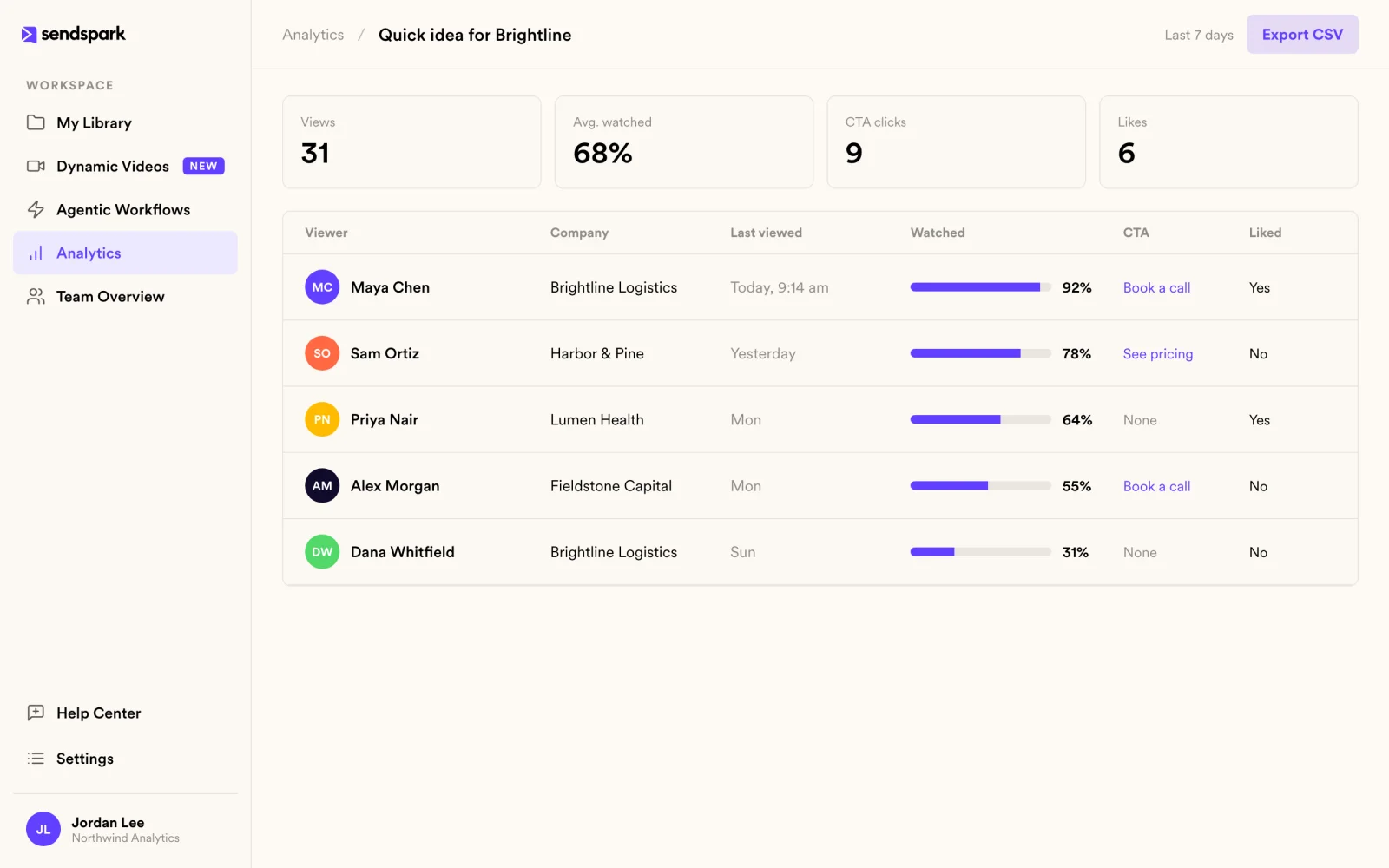
Stop guessing who's ready for a follow-up
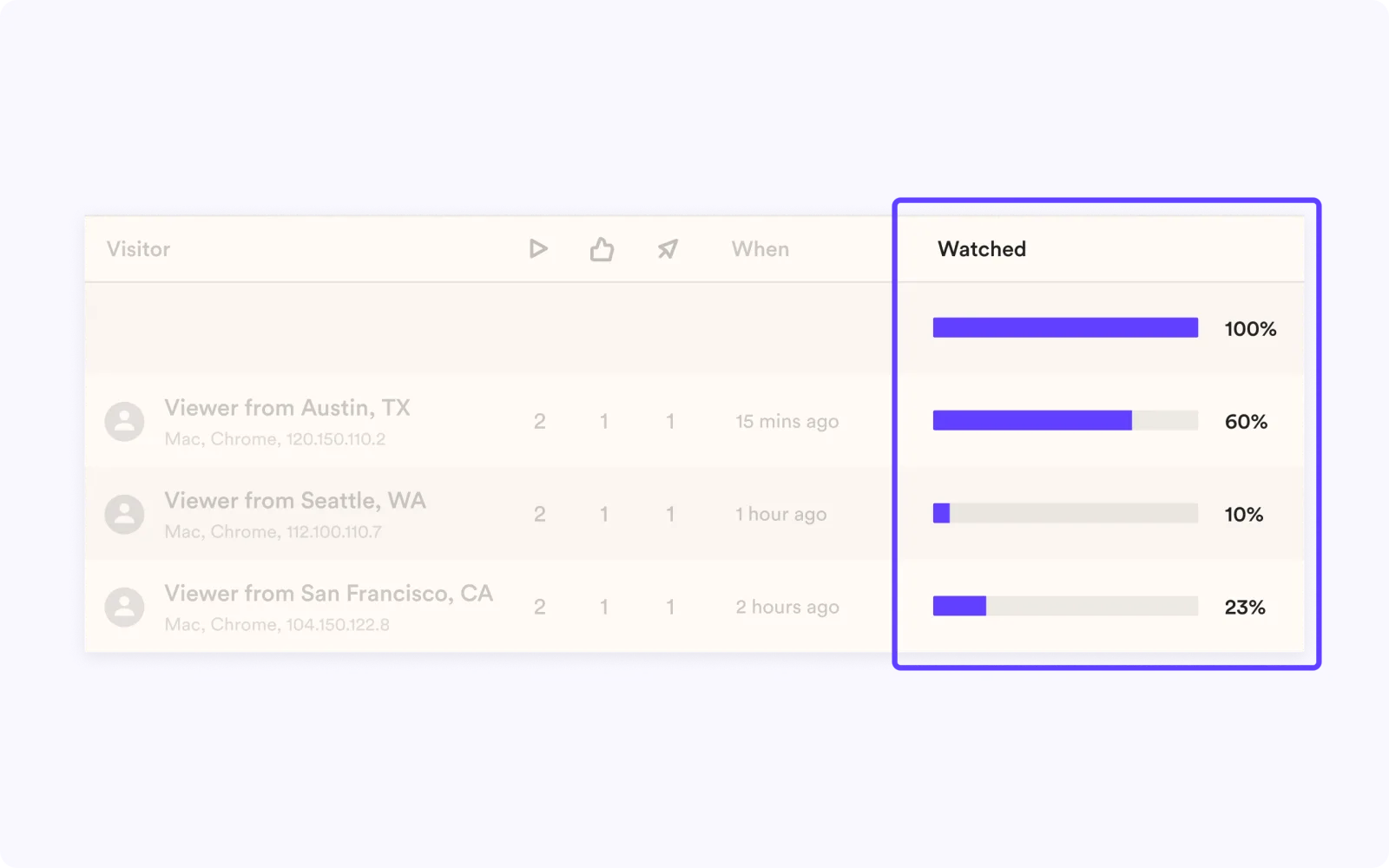
Every video shows its viewers, watch percentage, CTA clicks and likes. Export the list to CSV for your own reporting.
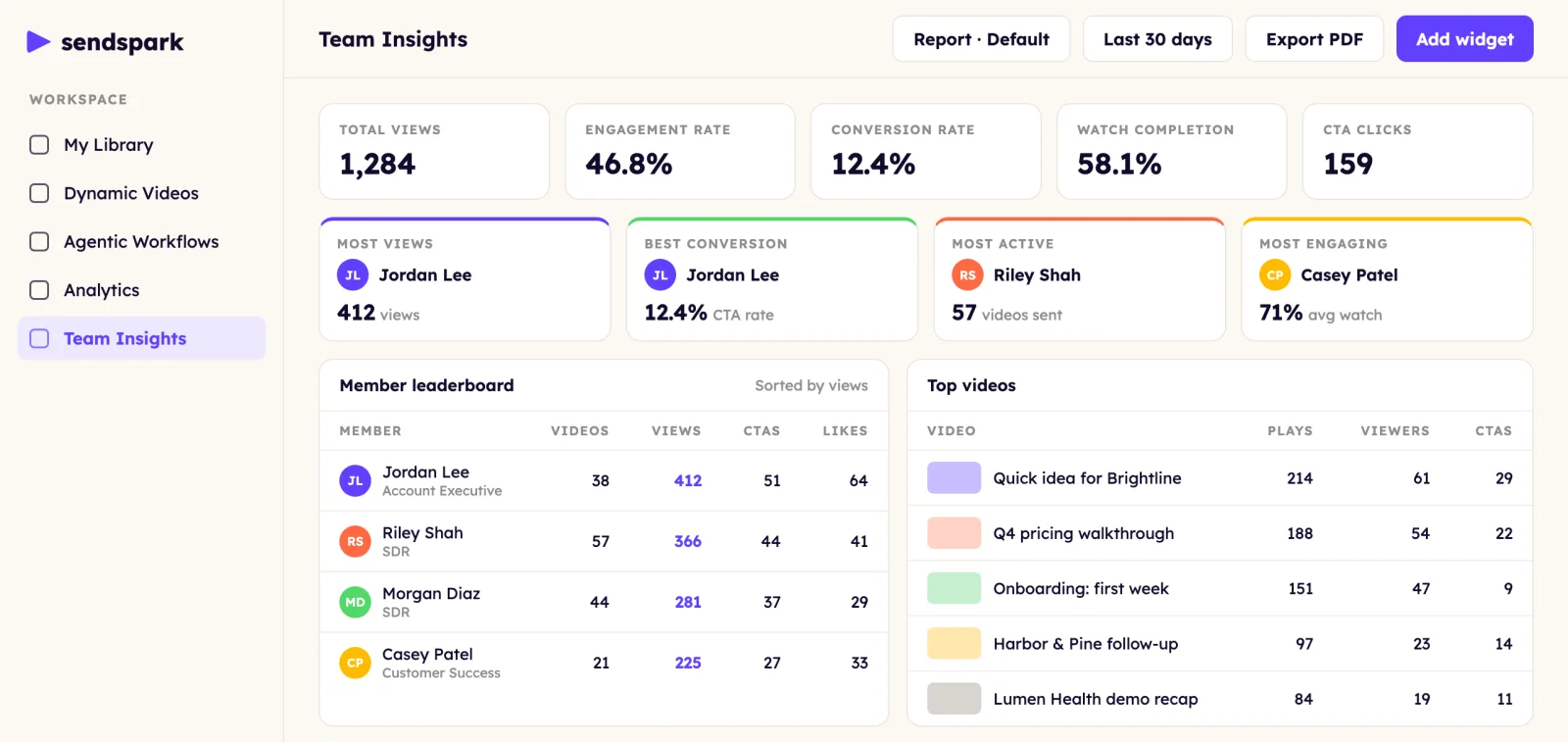
Spot what's working across the team
Team Insights shows a member leaderboard, top performers and top videos, so managers know what's working. It's on every plan, and Growth and above unlock every widget.
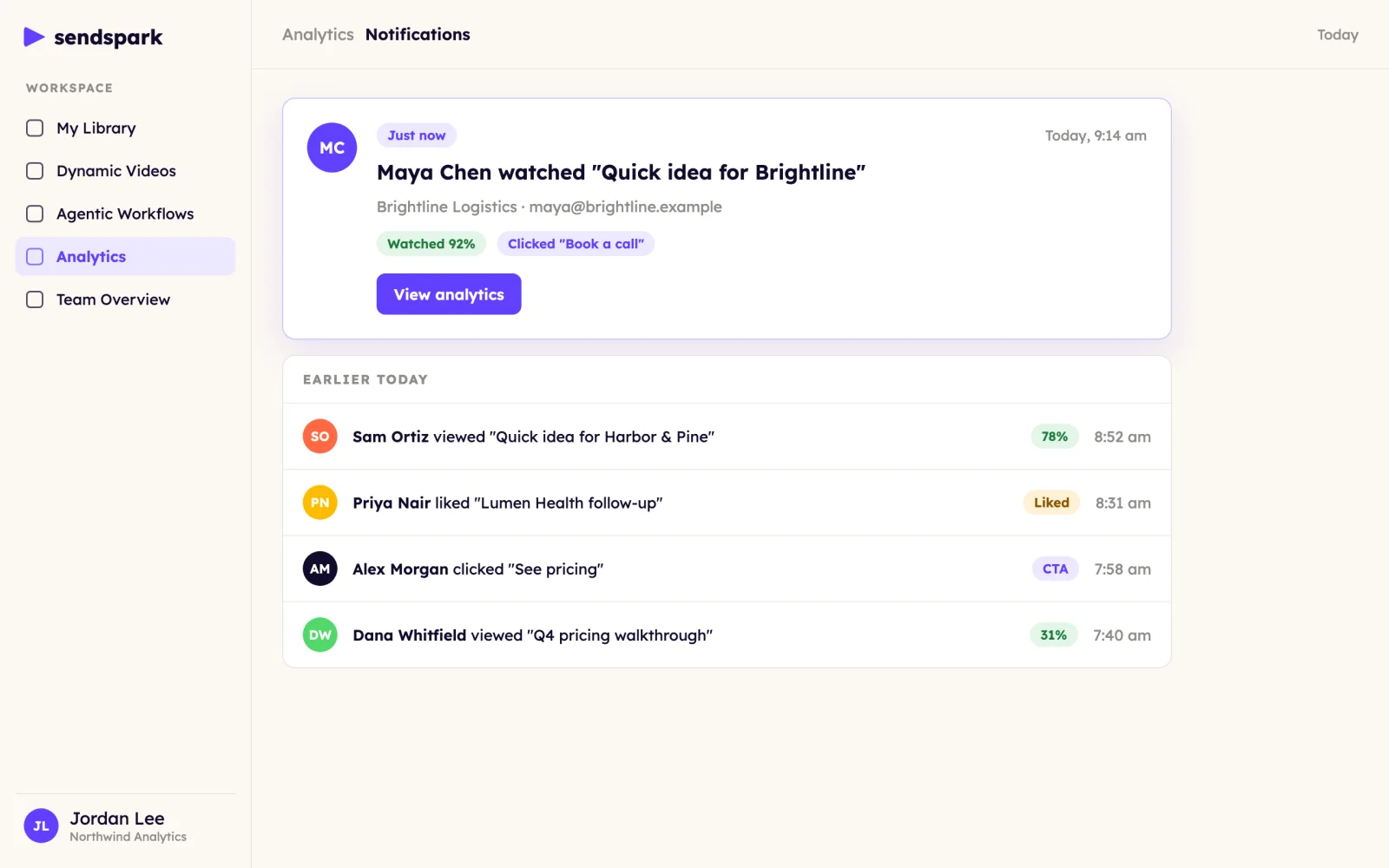
Follow up while they're still interested
View notifications and engagement alerts tell you the moment a prospect watches.
Get answers without building a report
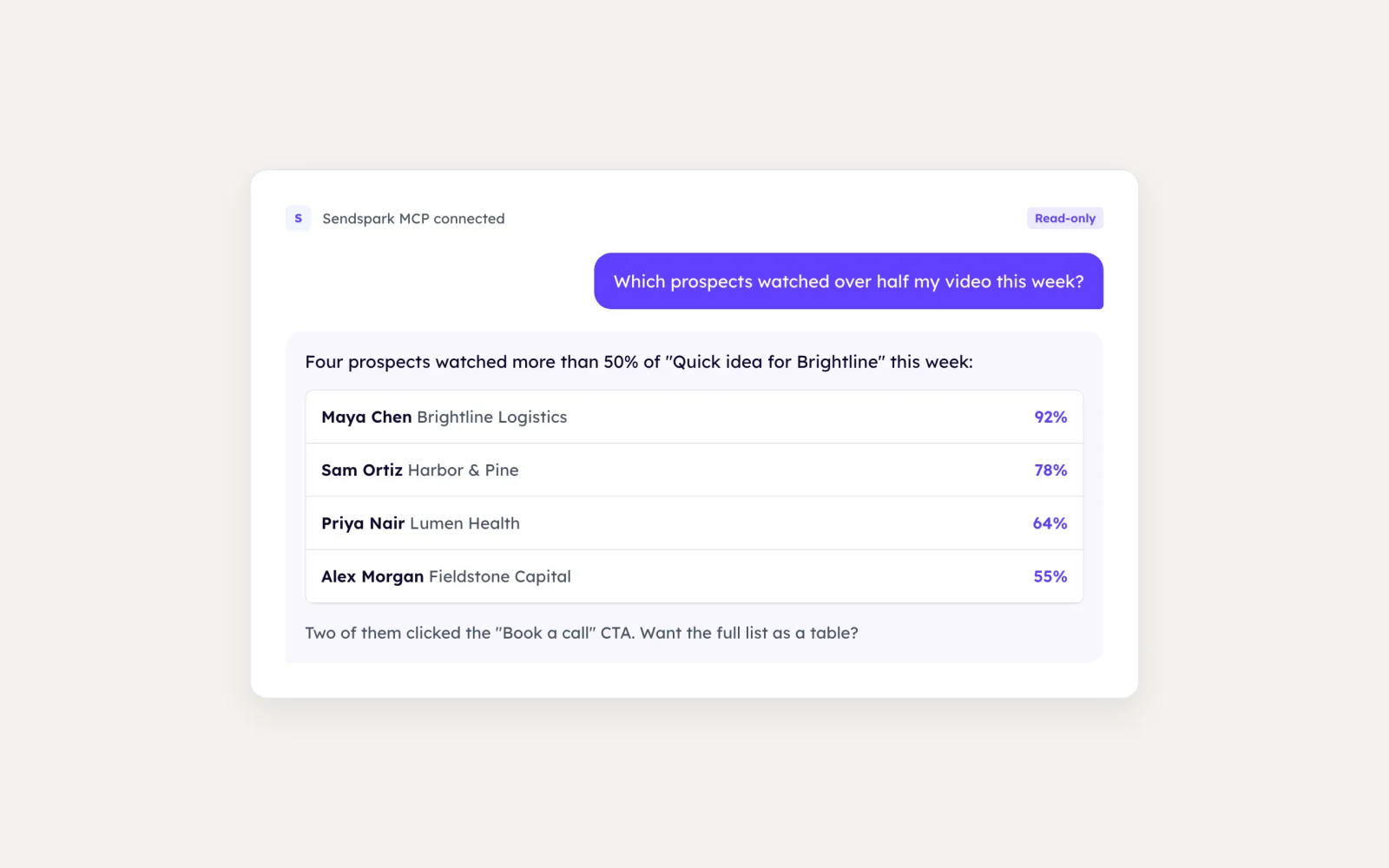
Connect Claude, ChatGPT or Cursor through the Sendspark MCP server and ask which prospects watched over half your video this week. Read-only access.
How it works
- 1
Send the video
Through email, LinkedIn or your sales tool.
- 2
Watch the analytics
Views, watch time, clicks and likes update as they happen.
- 3
Follow up
Use notifications, CSV exports or webhooks to act on engagement.
 HubSpot
 Salesforce
 Zapier
 Make
Make Claude
 ChatGPT
 Cursor
Goes well with
Frequently asked questions
What does Sendspark track for each video?
Who viewed it, how much they watched, CTA clicks and likes. You can export the data to CSV.
Is there a team view?
Yes. Team Insights shows KPI cards, activity over time, top performers, a member leaderboard and top videos. It's on every plan, and Growth and above unlock every widget.
Will I know when someone watches?
Yes. Turn on view notifications and engagement alerts.
Can I get analytics into my CRM or AI tools?
Webhooks post view, watch percentage and CTA events to your endpoint. The MCP server lets Claude, ChatGPT or Cursor read your analytics.
Updated
Make your next outreach personal.
Record one video and let Sendspark do the rest.