AI personalized video for sales outreach
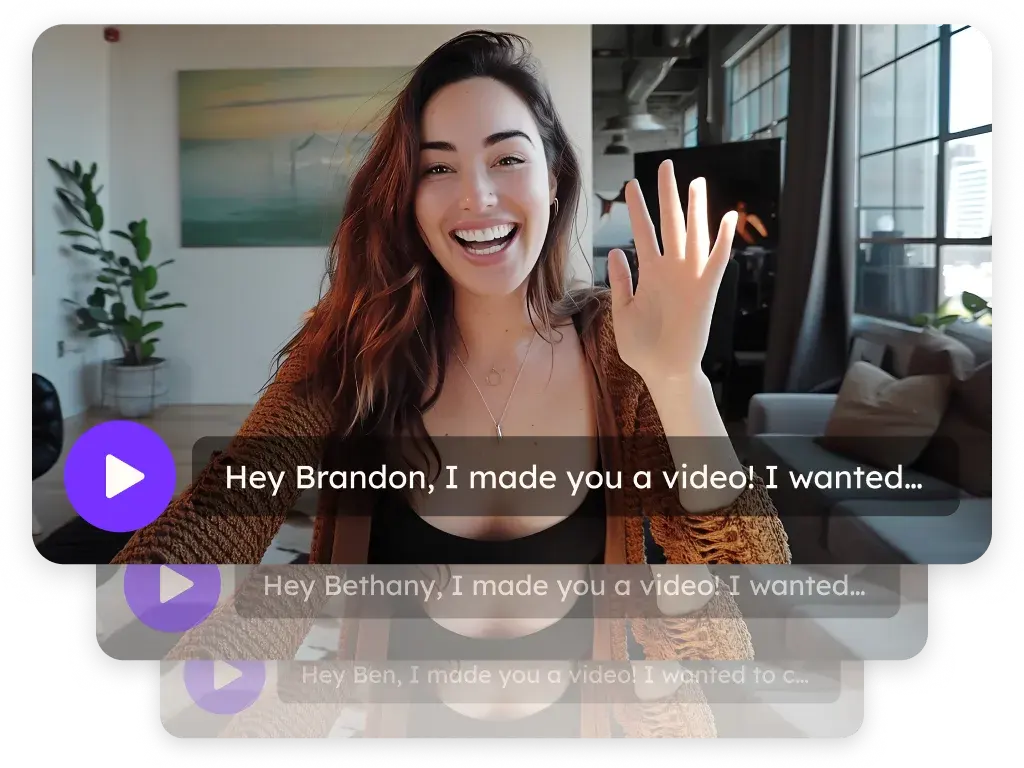
Record one video and Sendspark, the AI personalized video platform for sales and marketing teams, creates a version for every prospect: their name in your cloned voice, their website behind you. Teams use it for outbound, follow-up and nurture. AI voice cloning and name personalization are included on Solo and above.
 SOC 2 Type II
- Read reviews on G2
A generic video sounds like one sent to everyone
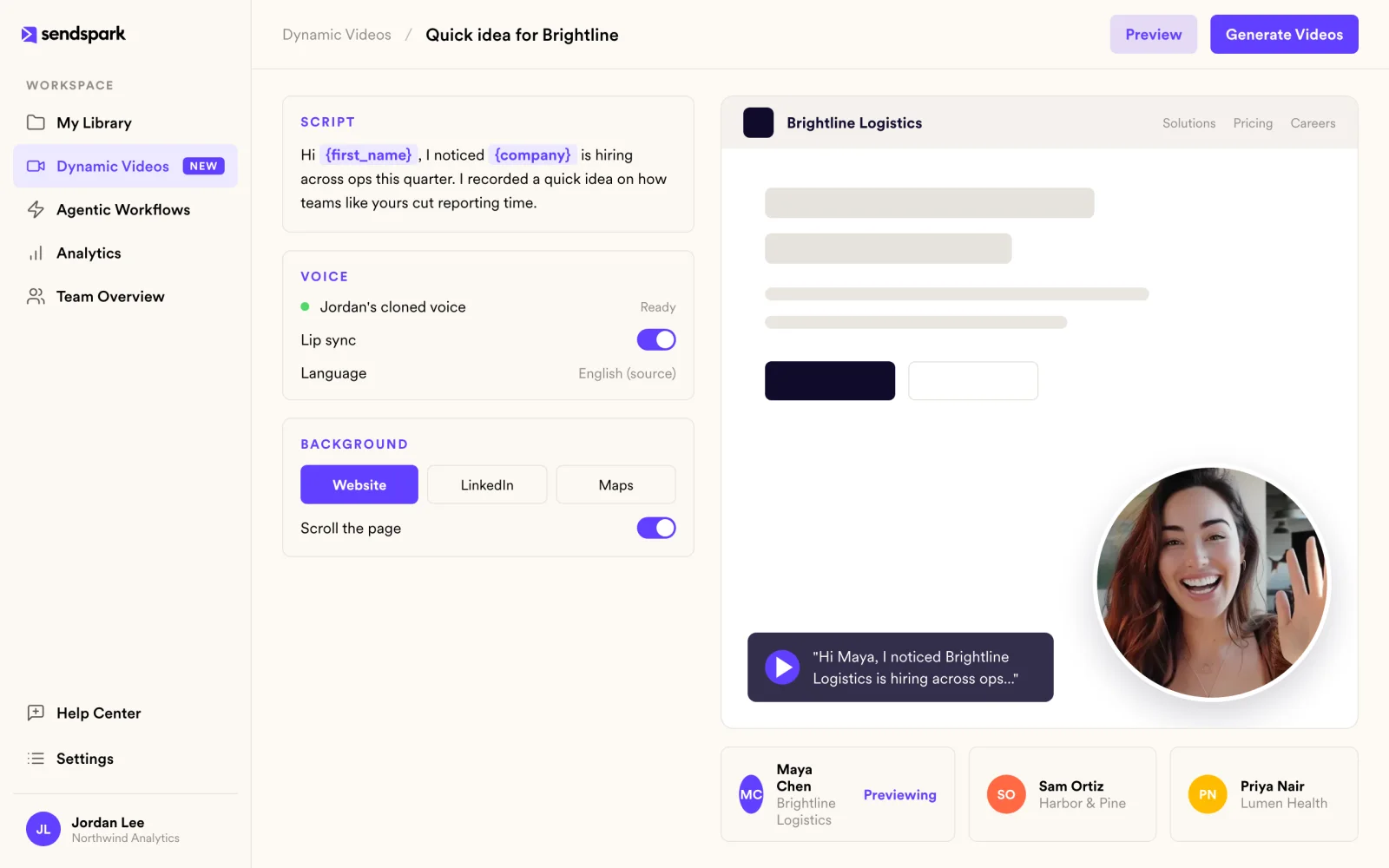
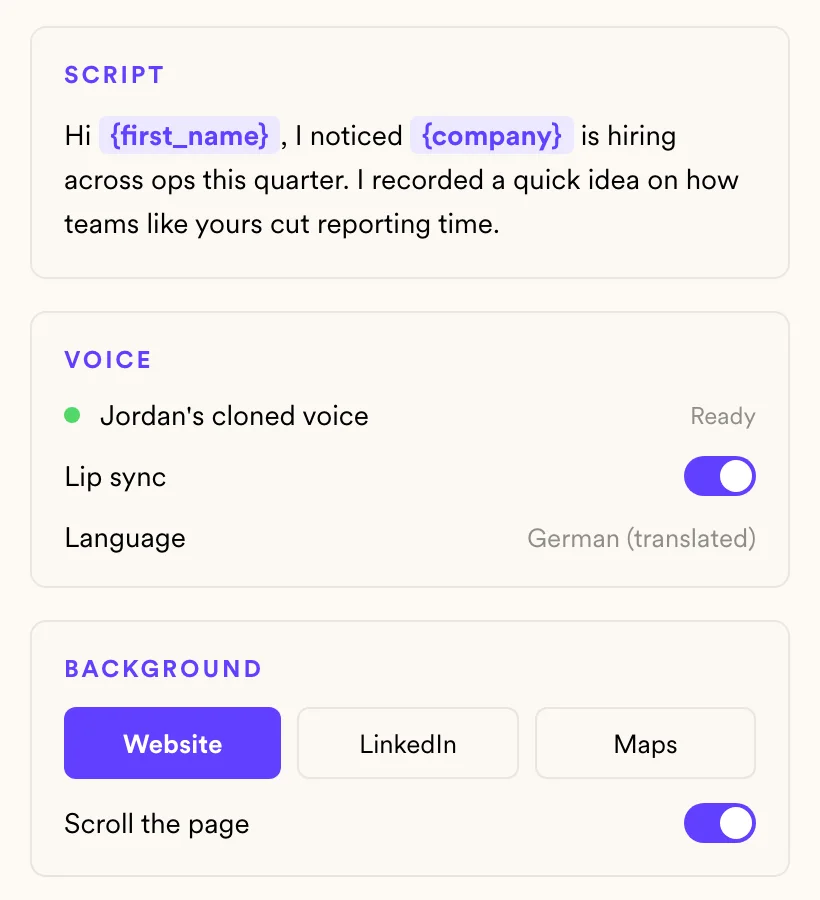
Sendspark clones your voice from the recording and speaks each prospect's first name, company or any other variable. Multiple AI variables per video are available on Growth and above.
A dubbed name that looks off breaks trust
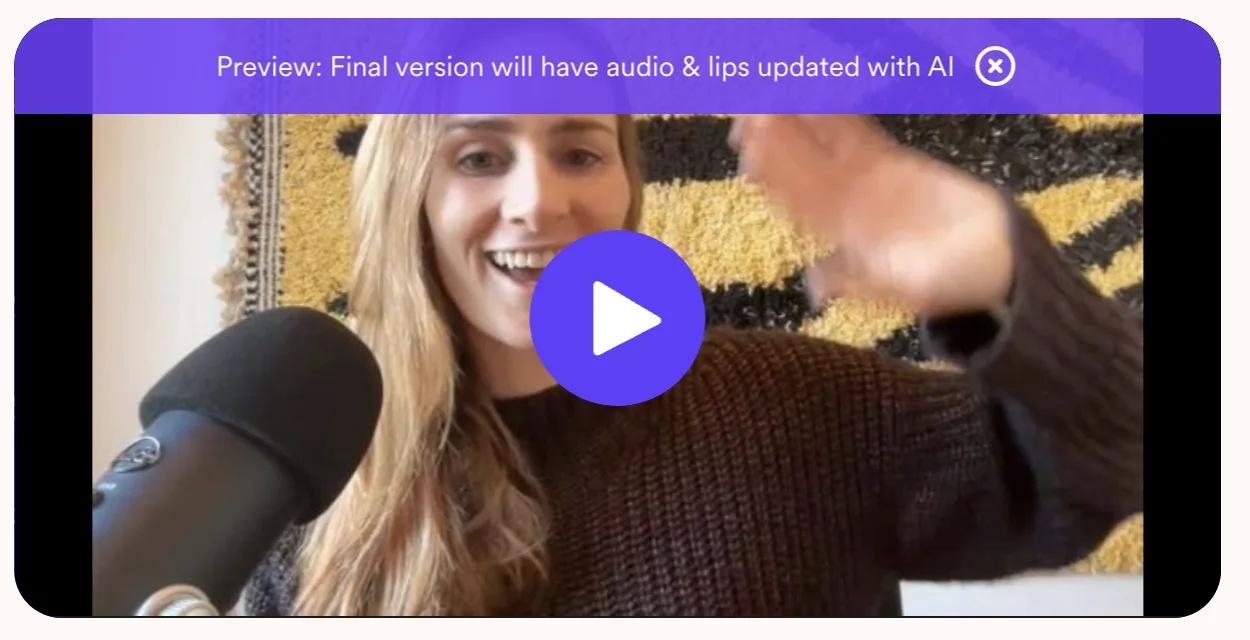
Your mouth is matched to the AI audio, so the spoken name lines up with your lips. The result looks like a video you recorded for that one person.
Re-recording for every language doesn't scale
Create personalized videos in other languages from the same recording. Your face, your voice and each prospect's name, in the language they read their email in.
Show you did your homework before they hit play
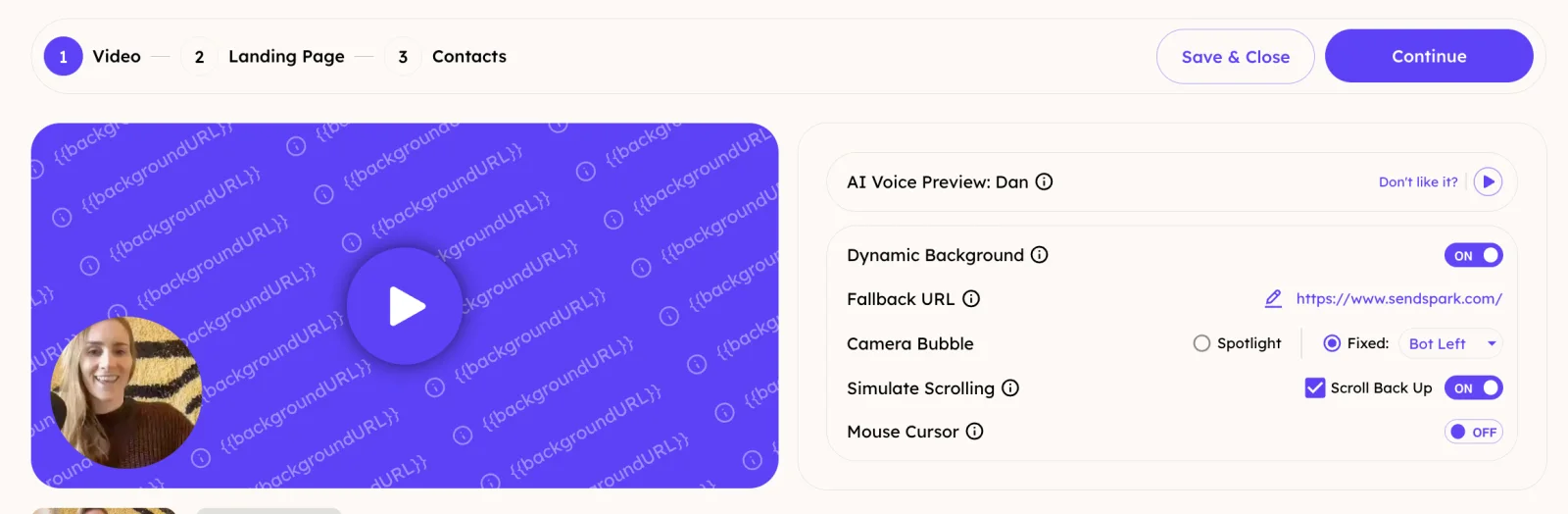
Dynamic backgrounds put each prospect's website, LinkedIn profile, Google Maps location or an image behind you, including a scrolling capture of their site. Dynamic backgrounds are on Solo and above.
How it works
- 1
Record one video
Say a placeholder name where each prospect's name should go. Record from Chrome or the desktop app.
- 2
Add your prospects
Import a CSV with column mapping, or sync from HubSpot, Salesforce, Clay, Zapier, Make, RB2B, Warmly, Expandi, Salesforge or the API.
- 3
Generate and send
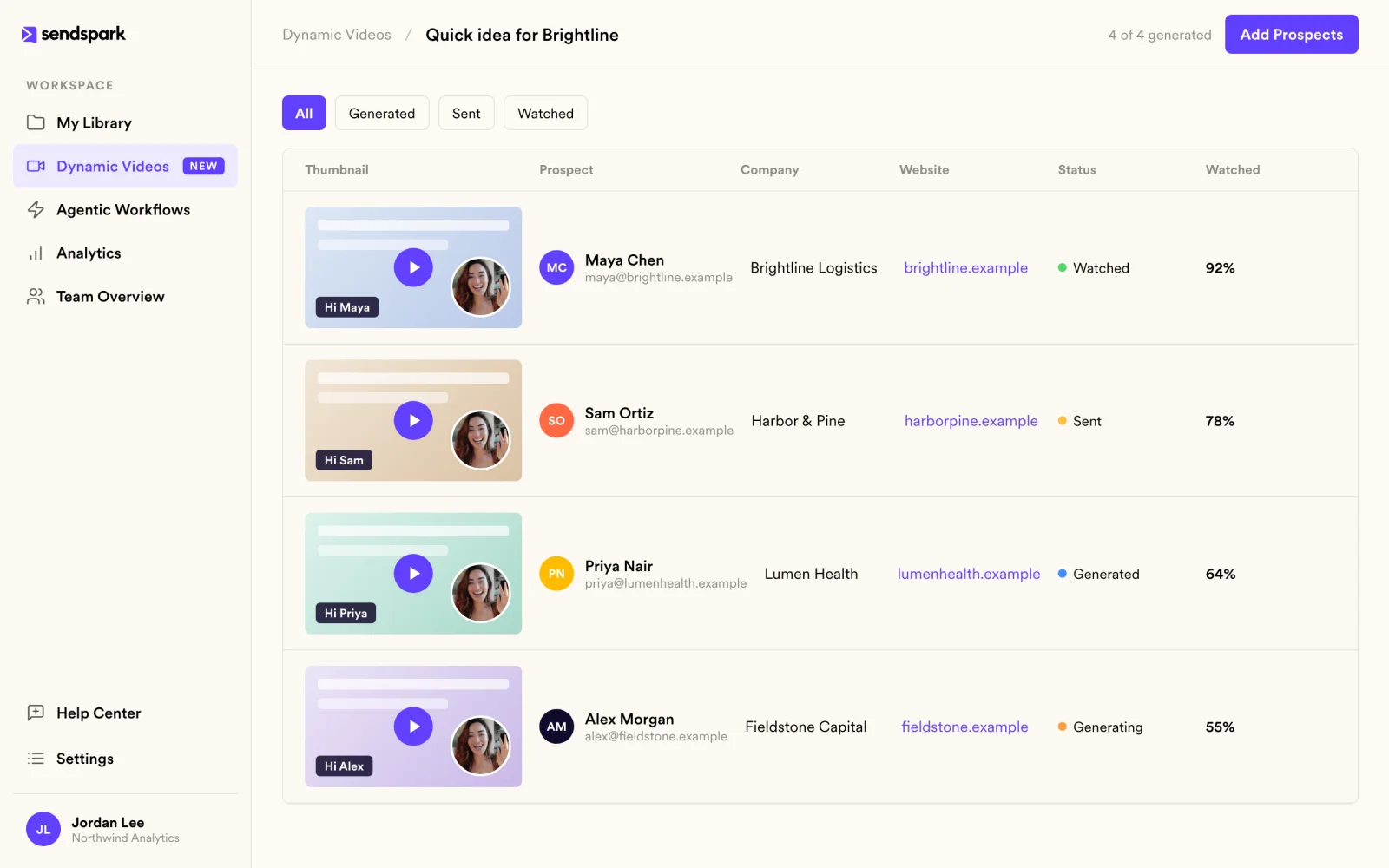
Sendspark creates a personalized video, thumbnail and landing page for each prospect. Send them through your email or sales tool.
Import prospects from
See all integrations HubSpot
 Salesforce
 Clay
Clay Zapier
 Make
Make RB2B
RB2B Warmly
 Expandi
 Salesforge
 API
APIGoes well with
Frequently asked questions
What is AI personalized video?
You record one video, and AI creates a version for each prospect that says their name in your cloned voice and can show their website, LinkedIn profile or location behind you. Each prospect gets their own video, thumbnail and landing page.
How does voice cloning work?
Sendspark clones your voice from your recording and uses it to say each prospect's name and any other variables you add. Voice cloning and name personalization are included on Solo and above; multiple variables per video are on Growth and above.
What is lip sync?
Lip sync matches the speaker's mouth to the AI audio, so the personalized name looks like you said it on camera.
Can I create videos in other languages?
Yes. From one recording, Sendspark can create personalized videos in other languages in your cloned voice.
How do I add prospects?
Import a CSV with column mapping, or bring contacts from HubSpot, Salesforce, Clay, Zapier, Make, RB2B, Warmly, Expandi, Salesforge or the API.
What can I use as the background?
The prospect's website, including a scrolling capture, their LinkedIn profile, a Google Maps location or an image you choose.
Updated
Make your next outreach personal.
Record one video and let Sendspark do the rest.